
Industrial SSD & Military SSD
Storage Solutions
Indudisk provides reliable Industrial SSD solutions including NVMe SSD, SATA SSD, Military SSD, and customized storage solutions for industrial, embedded, and mission-critical applications.
Industrial SSD Products
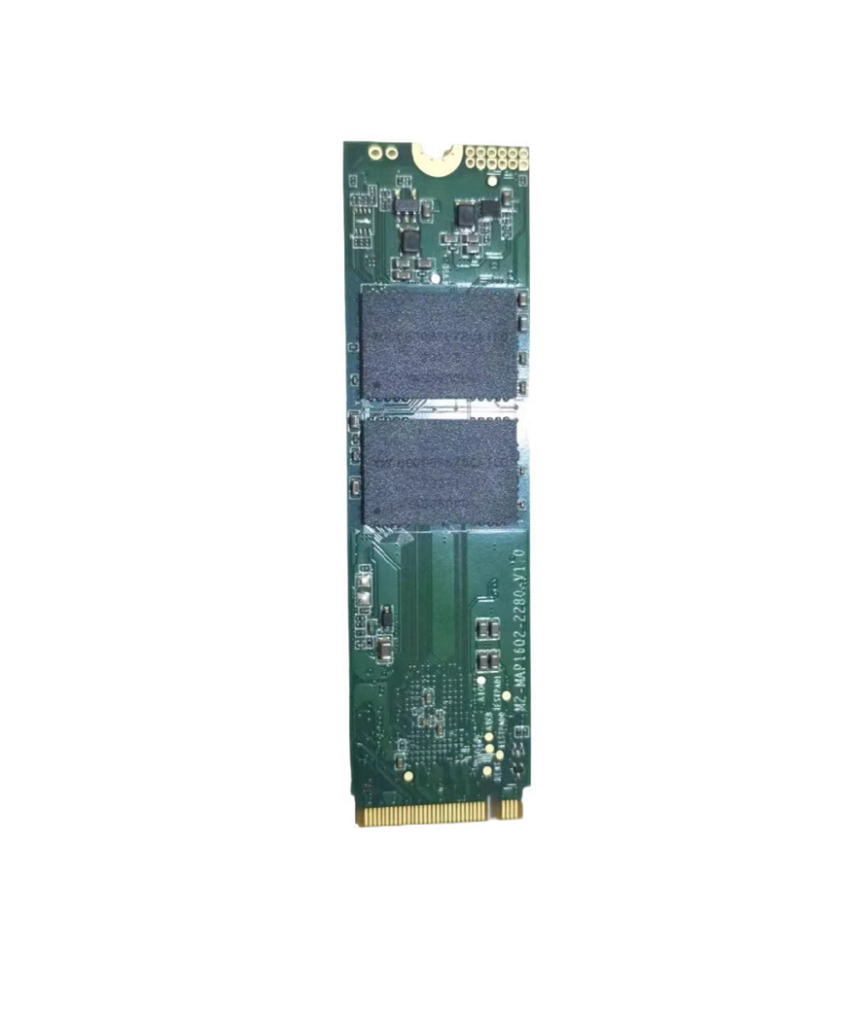
High-speed NVMe and SATA M.2 SSDs for embedded and edge computing systems..
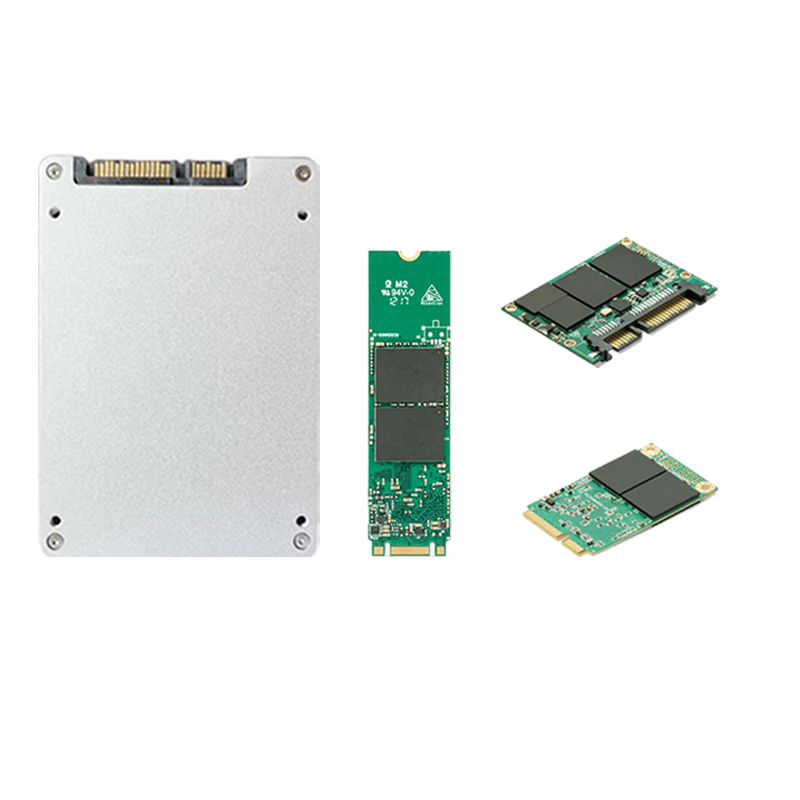
Reliable SATA SSD solutions for industrial PCs and long-term deployments.
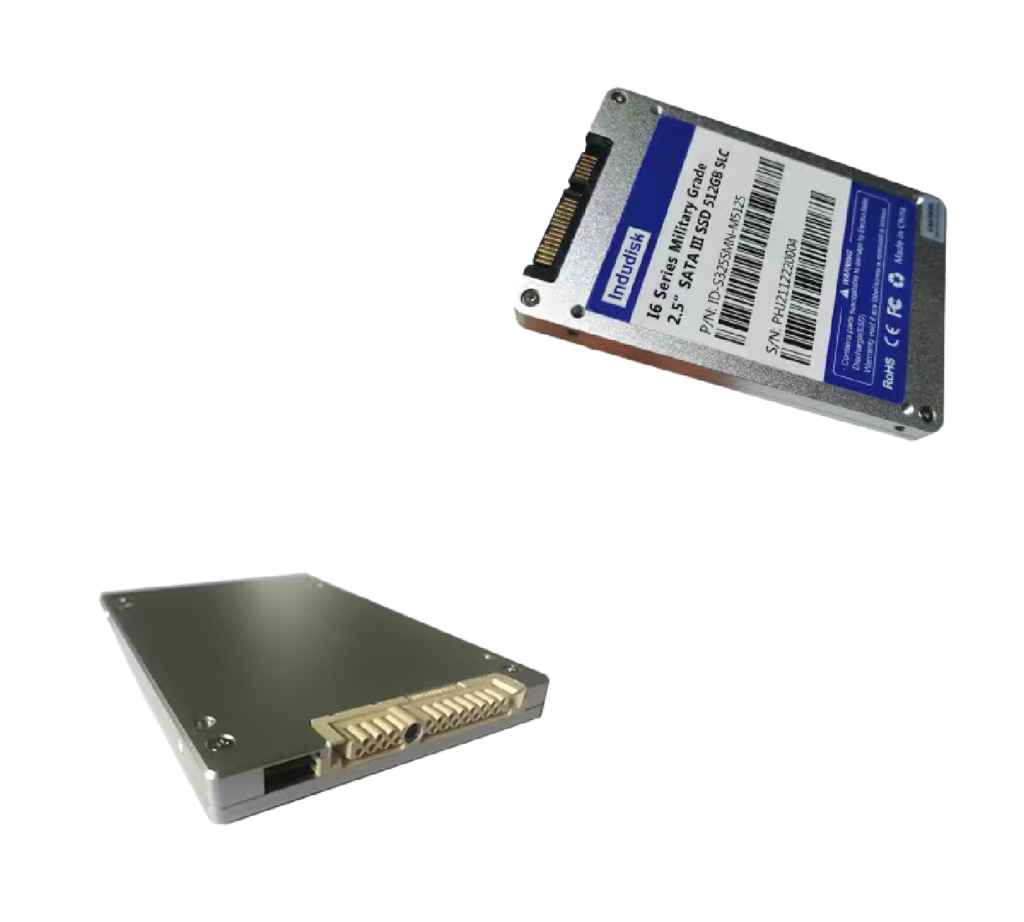
Rugged SSD solutions designed for defense and aerospace applications.
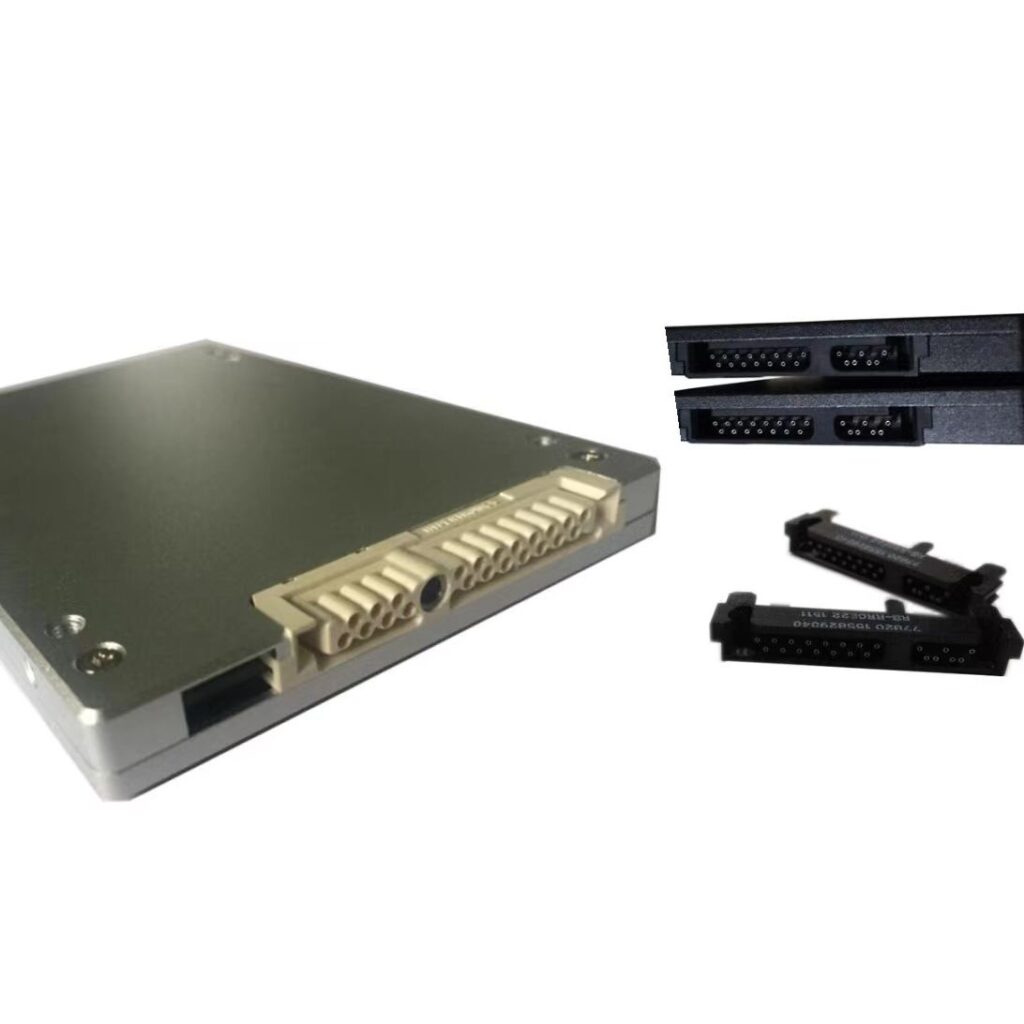
Customized SSD solutions to meet your specific requirement.
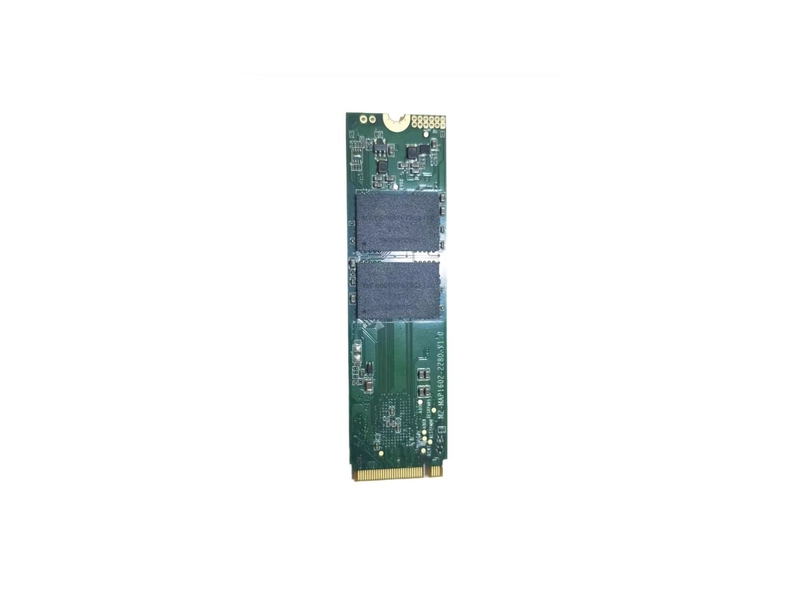
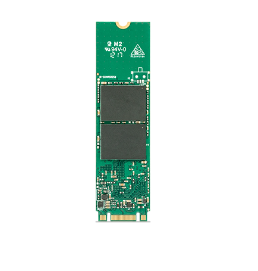
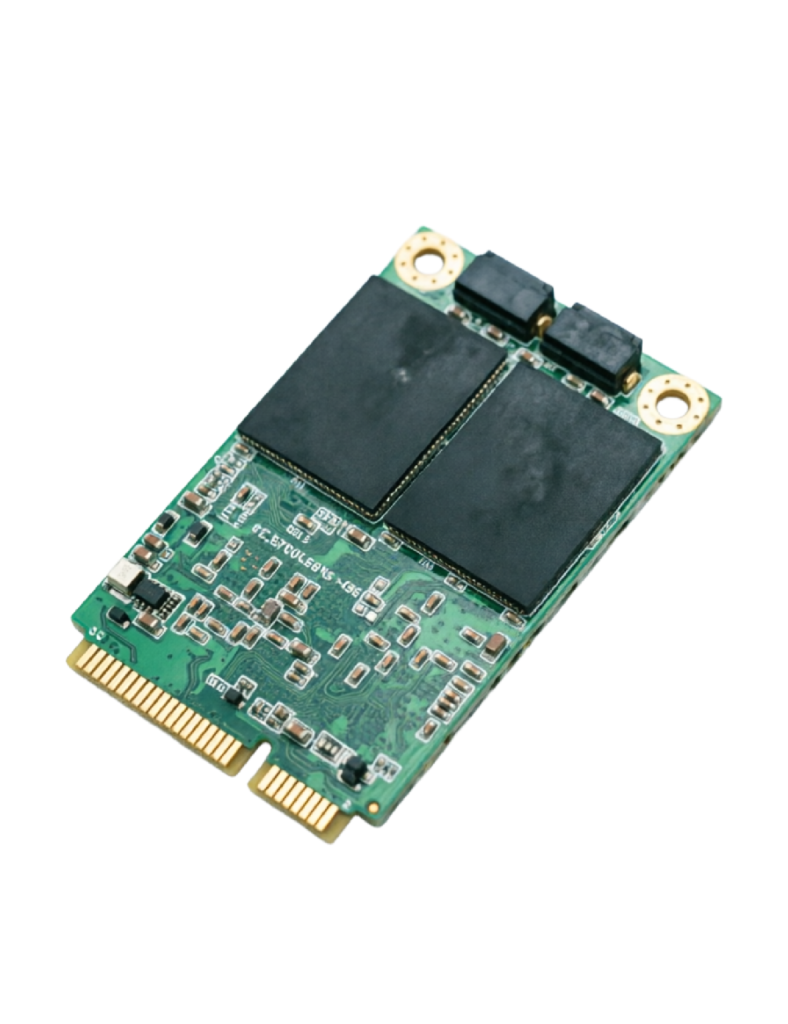
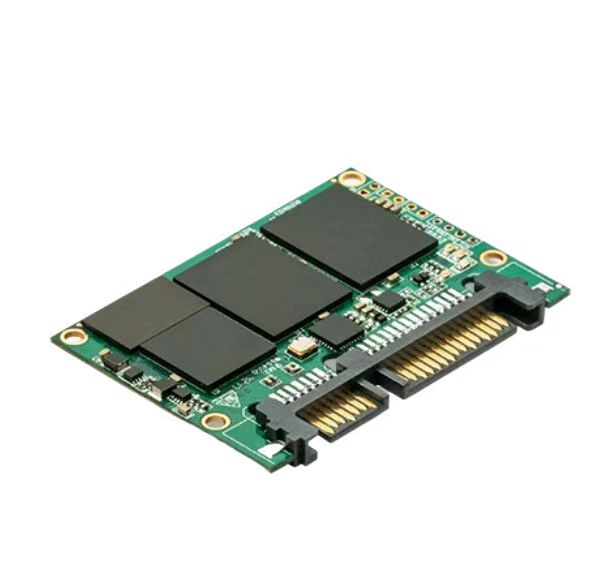
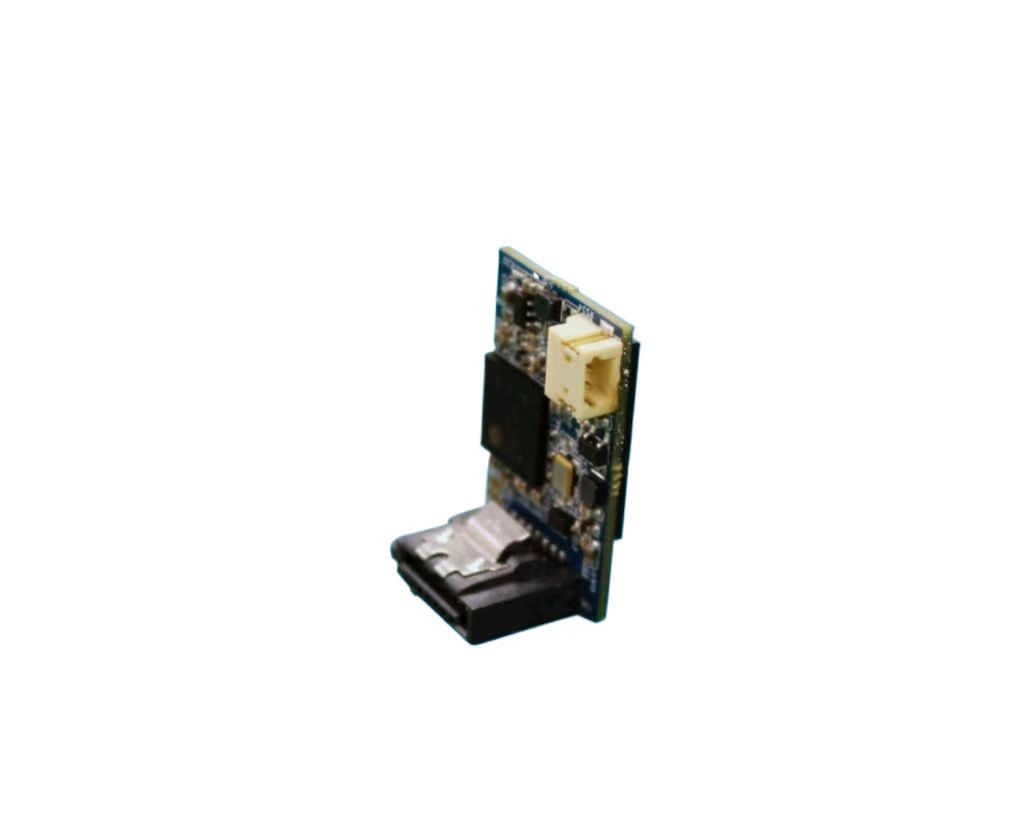
Industrial SSD Form Factors

Industrial SSD Applications
Storage Solutions for Your Industry
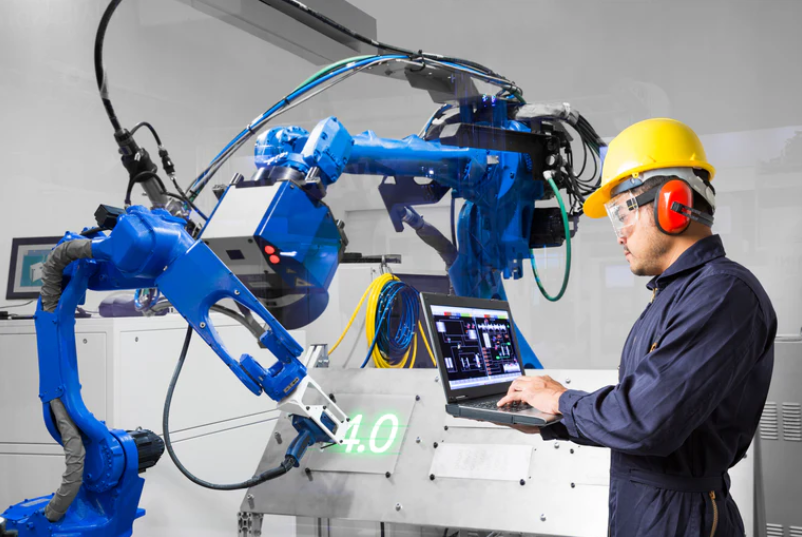


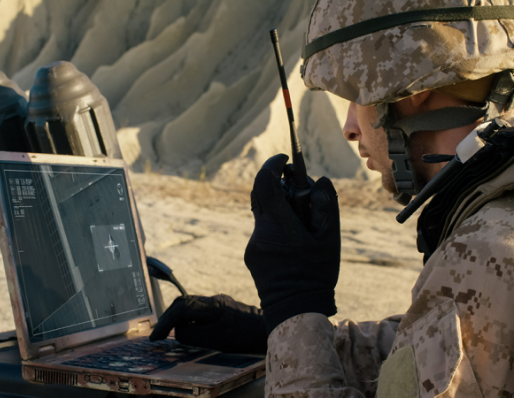


Built for Industrial Reliability
Use the filters and parameters to minimize the selection and find the right solution for your needs
Wide Temperature Support
Reliable operation from -40°C to +85°C.
Power Loss Protection
Protect critical data during unexpected power interruption.
Firmware Optimization
Customized firmware for specific applications.
Data Security
Incorporate advanced technologies to safeguard data security in critical applications.
Why Choose Us
18+ Years SSD Experience
Professional SSD manufacturing expertise for industrial applications.
100+ Global Customers
Trusted by OEM partners and Sytem Integrators worldwide.
Industrial Reliability
Designed for harsh environments and mission-critical systems.
Long Lifecycle Supply
Stable BOM management and long-term availability.
Download Industrial SSD Datasheets
Find the Right SSD Solution
Tell us your application requirements, and we will recommend the most suitable industrial SSD solution.
FAQ
Indudisk provides a complete range of industrial and embedded storage solutions, including M.2 NVMe SSD, M.2 SATA SSD, 2.5″ SATA SSD, mSATA SSD, Slim SATA SSD, SATA DOM, CF Card, CFast Card, and military-grade SSD solutions.
Our SSD products are designed for industrial automation, embedded systems, edge computing, transportation, defense, and other mission-critical applications.
Industrial SSDs are designed for long-term reliability in demanding environments, while consumer SSDs are mainly optimized for everyday computing.
Compared with consumer SSDs, industrial SSDs typically offer:
- Wide temperature operation
- Higher endurance
- Stable firmware
- Long lifecycle supply
- Better resistance to shock and vibration
Indudisk supports various industrial SSD form factors to meet different system requirements, including:
- M.2 SSD (2242 / 2280)
- 2.5″ SATA SSD
- mSATA SSD
- Slim SATA SSD
- SATA DOM
- CF Card
- CFast Card
Our engineers can help select the right storage solution based on your system design.
Yes. Long-term availability is one of the key requirements for industrial applications.
Indudisk provides:
- Controlled BOM management
- Stable NAND supply
- Product lifecycle support
- Migration support for future upgrades
This helps customers avoid unexpected redesign costs.
Yes. Indudisk provides customized SSD solutions based on specific application requirements.
Customization options include:
- Firmware optimization
- NAND flash configuration
- Capacity adjustment
- Form factor customization
- Branding and OEM support
Our team works with customers from evaluation to mass production.
Industrial SSD solutions are widely used in:
- Industrial automation systems
- Embedded computing platforms
- Industrial PCs
- Edge AI systems
- Defense and aerospace equipment
- Transportation systems
- Surveillance systems
- Medical devices
Yes. Selected Indudisk SSD solutions are designed for harsh environments with features such as:
- Wide temperature support
- Shock and vibration resistance
- Power loss protection
- Industrial-grade components
They are suitable for demanding applications requiring high reliability.
Indudisk offers SSD solutions with multiple interfaces, including:
- SATA III
- PATA
- Slim SATA
- mSATA
- CF Card
- CFast Card
- SATA DOM
- NVMe PCIe
- PCIe interfaces
Customers can select the appropriate interface based on performance requirements, system compatibility, and application needs.
Indudisk applies strict quality control throughout the manufacturing process, including:
- Component inspection
- SMT production control
- Firmware validation
- Burn-in testing
- Performance verification
Each SSD is tested to ensure stable operation in industrial environments.
Choosing the right SSD depends on several factors:
- Interface requirement
- Form factor
- Capacity
- Operating temperature
- Endurance requirement
- Application environment
Contact our SSD experts for a recommended solution based on your project requirements.
Ready to Find the Right SSD Solution?
Tell us your application requirements, and our SSD experts will recommend the most suitable storage solution.
Indudisk I6 Pro Series militray SSD M.2 2280 PCIe NVMe SSD delivers high performance, high-capacity storage solutions optimized for defense, aerospace and other applications requiring durable, rugged and secure storage.The I6 Pro Series M.2 PCIe NVMe SSDs integrate high-speed PCIe Gen3.0x4 interface with 3D TLC NAND Flash memory technology and capacities up to 4TB, delivering a high-performance solution for a wide range of applications.
Specifications I6 Pro NVMe PCIe SSD
| Physical | |||||||
| Form Factor | M.2 2280 | ||||||
| Interface | NVMe PCIe Gen3.0x4 | ||||||
| Size | 80*22*3.7mm | ||||||
| Capcity | 512GB~4TB | ||||||
| Flash Type | 3D TLC | ||||||
| Performance | |||||||
| Sequential Read/Write | 3100/2400MB/S | ||||||
| Random IOPS Read/Write(4K) | 70K/70K MB/S | ||||||
| Access Time | <0.1ms | ||||||
| Electrical | |||||||
| Power Supply | 3.3V±5% | ||||||
| Power Consumption | 9W(active) 0.8W(idle) | ||||||
| Temperature | |||||||
| Operating Temperature | Wide Temp.:-40℃~85℃ Commercial Temp.:0℃~+70℃ | ||||||
| Storage Temperature | (-55℃~+95℃) | ||||||
| Environmental | |||||||
| Vibration | 16.4G(10-2000Hz) | ||||||
| Shock(Operating) | 1500G(0.5ms,Half sine wave) | ||||||
| Humidity | 5%~95%(No Condensing) | ||||||
| Reliability | |||||||
| MTBF | 2000000hrs | ||||||
| Data Retention(Max): | 10 Years@25℃ | ||||||
| Special Functions | |||||||
| Power Loss Protection(PLP) | √ | ||||||
| Conformal Coating | √ | ||||||
| Secure Erase | Optional | ||||||
| TRIM | √ | ||||||
| S.M.A.R.T | √ | ||||||
Built for Industrial Reliability
18+ Years SSD Expertise
Long Lifecycle Supply
Custom SSD Support
Industrial Reliability Testing
OEM Project Support
Why Choose Indudisk Industrial SSD Solutions?
18+ Years SSD Expertise
Long Lifecycle Supply
Custom SSD Support
Industrial Reliability Testing
OEM Project Support
How to choose the right Industrial SSD
Choose the Right Industrial SSD Based on Your Application

Step 1: Choose the Right SSD Interface
The first step is selecting the correct interface. Industrial SATA SSDs provide excellent compatibility for existing industrial systems, while Industrial NVMe SSDs deliver higher performance and lower latency for advanced applications.
Step 2: Select the Right Capacity
SSD capacity should be selected based on operating system requirements, application software, data storage needs, and future expansion.
Step 3: Evaluate Workload and Endurance
Industrial SSD endurance depends on workload, write frequency, and expected service life. Applications with continuous data writing require SSDs optimized for higher endurance.

Step 4: Consider Operating Environment
Industrial environments may expose SSDs to extreme temperatures, vibration, and continuous operation. Selecting the correct temperature grade is essential for long-term reliability.

Step 5: Select the Correct Form Factor
Industrial SSDs are available in different form factors to meet different system requirements.

Step 6: Consider Product Lifecycle and Supply
Industrial equipment often requires years of stable operation. Selecting a supplier with long-term product availability helps avoid redesign costs and supply interruptions.
Industrial SSD Selection Guide
| Application Requirement | Recommended SSD | |
| High-speed computing | Industrial NVMe SSD | |
| Industrial PC replacement | 2.5″ SATA SSD | |
| Compact embedded device | M.2 / mSATA SSD | |
| Extreme environment | Rugged SSD | |
| Defense application | Military SSD | |
| Custom project | Custom SSD Solution |
FAQ
Choosing between a SATA SSD and an NVMe SSD depends on your system requirements, application workload, performance needs, and long-term deployment goals.
For industrial applications, Industrial SATA SSDs are often selected for compatibility, reliability, and long lifecycle support, while Industrial NVMe SSDs are preferred for applications requiring higher performance, lower latency, and faster data processing.
When choosing between SATA SSD and NVMe SSD, industrial customers should evaluate their system interface, performance requirements, workload, environmental conditions, and product lifecycle expectations.
For existing industrial equipment and long-term stable applications, Industrial SATA SSDs remain an excellent choice. For advanced systems requiring high-speed processing, Industrial NVMe SSDs provide the performance advantage needed for modern industrial applications.
The most suitable Industrial SSD for embedded systems depends on the system architecture, interface requirements, available space, performance needs, and operating environment.
Compared with consumer SSDs, Industrial SSDs are designed for embedded applications requiring long-term reliability, stable supply, extended temperature operation, and consistent performance over years of deployment.
For embedded systems, the most commonly used Industrial SSD solutions include:
- Industrial M.2 NVMe SSD
- Industrial M.2 SATA SSD
- Industrial mSATA SSD
- Industrial SATA DOM
- Industrial 2.5″ SATA SSD
- For embedded systems:
- Choose Industrial M.2 NVMe SSD for high-performance applications such as AI, edge computing, and machine vision.
- Choose Industrial M.2 SATA SSD or mSATA SSD for compact embedded systems requiring compatibility and reliability.
- Choose Industrial SATA DOM for space-limited embedded boards.
- Choose Industrial 2.5″ SATA SSD for industrial PCs and existing SATA-based platforms.
The right Industrial SSD depends on your interface, performance requirements, environmental conditions, and product lifecycle expectations.
Industrial SSDs: mainly designed specifically for system designers and builders and capable of operating in extreme environments.Industrial SSDs come in a wide variety of small form factors with different interfaces.We normally require reliable performance and consistency for industrial storage solutions.
Nomrally industrial ssds are designed for high reliability and performance operating in extreme environments while consumer SSDs are cost-effective storage for everyday us.The eKey differences include operating temperature ranges, durability, write endurance, and features like power loss protection and error correction.
Industrial SSDs are crafted for resilience in extreme environments, making them ideal for various demanding applications. They boast greater endurance and reliability than consumer SSDs, thanks to their rugged design and rugged components. Industrial SSDs have significantly higher reliability and endurance, with program/erase (P/E) cycles of around 3000 to100,000 compared to only about 1,000 for consumer SSDs. This allows industrial SSDs to handle heavy workloads for much longer before wearing out. Furthermore, they are designed to endure industrial temperatue and wide temperature ranges (from -40°C to 85°C, while consumer SSDs typically only support 0°C to 70°C).
The main difference between industrial ssd and military ssd lies in the design for environmental resilience,security features and reliability.Industrial SSDs are built to withstand harsh conditions like extreme temperatures and vibrations, while military SSDs incorporate even more rigorous standards for security, data protection, and resistance to environmental stressors like shock, vibration,humidity and electromagnetic interference.
Most people are still confused to select a right SSD type . Generally speaking, this greatly depends on the operating temperature range of your application environment for the SSD. As an SSD manufacturer ,Consumer SSDs/Commercial SSDs are designed to operate at temperatures ranging from 0 degrees Celsius to 70 degrees Celsius , Industrial SSDs are designed to operate at temperatures ranging from -20 degrees Celsius to 70 degrees Celsius while military SSDs/rugged SSDs are designed to operate at temperatures ranging from -40 degrees Celsius to 85 degrees Celsius.
Generally Speaking, we can differ Industrial SSDs from military SSDs by their Operating Temperature as below:
- Commercial SSD Operating Temperature: 0C to +70C
- Industrial SSD Operating Temperature :-20C to +70C
- Military SSD Operating Temperature:-40C to +85C
If you are exploring your options for industrial flash storage, two contenders are likely to be on your list: SLC NAND and MLC NAND. Both forms of NAND flash storage are popular and reliable, and each one has its most appropriate uses. The trick is not using MLC NAND when you really need SLC, or paying for SLC when you could get by with MLC. Which NAND flash storage technology is right for your application? This comparison of SLC NAND vs. MLC NAND will help you make up your mind.
With SLC NAND, one bit of data is stored on each cell. This kind of storage is extremely important for devices in which critical data will be saved.It provides suitable reliability and greatly minimizes the risk of data loss and corruption.
With MLC Nand,MLC stands for multi-level cell with two bits of data are stored per cell.You will find it most often in commercial and industrial applications. MLC NAND is the right solution for these products because it costs less than SLC NAND.
SLC and MLC flash mermory are similar in their design. MLC SSDs cost less and allow for higher storage density. SLC SSDs provide faster write performance and higher reliability.
With TLC Nand, a triple-level cell NAND flash, stores three bits of data per cell.It is ideal for consumer grade products because the price point of TLC flash is the lowest of these three forms.
As for SSD endurance, SLC SSD is rated at approximately 100,000 PE cycles per cell. SLC SSD is is rated at approximately 10,000 PE cycles per cell. TLC SSD is rated at approximately 3,000 PE cycles per cell.While QLC is rated at approximately only 1,000 PE cycles per cell.
An SSD form factor is the size, configuration or physical arrangement of solid-state storage media.The form factor determines the media’s physical compatibility and interchangeability with other computer components or devices.
2.5″
when buying an SSD, the first thing you want to know is which form factor fits your system. SSDs come in a variety of form factors. For example,2.5″ is the most common type of SSD and fits into most laptop or desktop computers.It has a similar shape to a traditional HDD and connects over SATA cables so it offers a very familiar experience to what many are already used to.
M.2
M.2 has become the standard type of storage for slim laptops and notebooks.Its tiny form factor is often compared to a stick of gum and easy to install right on the motherboard in most cases. It is available in various lengths to enable different SSD capacities, The longer the drive,the more Nand flash chips can be mounted on it leading to higher capacity SSDs.
mSATA
mSATA or mini-SATA,is essentially a smaller version of the full-size SATA SSD,It uses a compact form factor like M.2 but not interchangeable.M.2 SSD can support both SATA and PCIe interface options whereas mSATA only supports SATA. This form factor is designed for smaller form factor systems where space is limited.
U.2
Finally,there’s U.2 which looks like a 2.5″ drive but it is a bit thicker .It uses a different connector and sends data through the PCIe interface.U.2 SSD is typically used for high-end workstations,servers and interprise applications that need greater storage.It allows higher operating temperatures and is more favorable for transferring heat than M.2 form factor.
While M.2 and NVMe are popularly used now,they actually refer to different technologies that can be used together but:
- NVMe is a storage transfer protocol specially designed for high-performance,non-volatile storage media.
- M.2 is an SSD form factor that enables high-performance storage.
- M.2 SSD connected using the NVMe interface deliver faster read/write speed
M.2 SATA SSDs use the SATA interface with a max. data transfer of 6Gbps. This is slow compared to the new NVMe intefaces. But it have 3 to 4 times the bandwidth compared to traditional HDD and is more available and affordable than a NVMe SSD. So it is a great alternative
M.2 NVMe SSDs are much more performance driven compared to M.2 SATA SSDs. By leveraging the PCIe bus, M.2 NVMe SSDs have theoretical transfer speeds of up to 20Gbps which is already faster compared to M.2 SATA SSDs with 6Gbps. PCIe buses can support 1x, 4x, 8x, and 16x lanes.
Need Help Choosing the Right Industrial SSD?
Every application has different requirements. Share your interface, capacity, workload, temperature range, and application environment. Indudisk can recommend the most suitable Industrial SSD solution.